
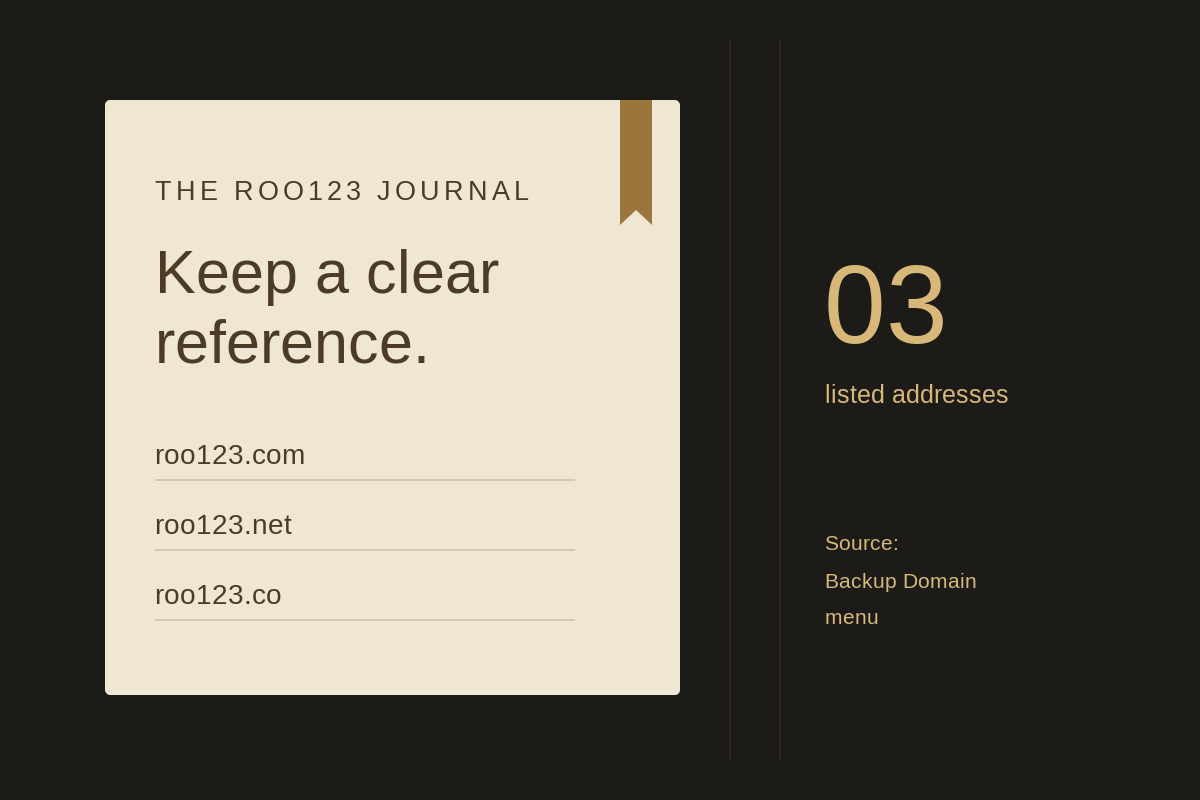
A bookmark remembers an address, not the reason you saved it. For Roo123, it helps to distinguish the directory of backup domains from the individual destinations shown inside it. Keeping the directory identifiable gives you a reference to revisit when an old saved link becomes unclear.
Where Roo123 publishes the addresses
In the main Roo123 website’s menu, choose Backup Domain. During the review on 13 October 2026, this opened roo123.com/backupdomain and displayed:
- Domain 1: roo123.com
- Domain 2: roo123.net
- Domain 3: roo123.co
The first is the main domain used for this source check; the other two are alternative addresses listed on that page. The links above open member entry on the selected domain, while the source link opens the directory. The list is not a promise that all three destinations will be reachable from every device at any given time.
Give the directory its own bookmark name
If you save the source page, a title such as Roo123 — backup domain directory describes what the bookmark opens. A bookmark for an individual destination should include its ending, for example Roo123 — .net address.
Those names prevent a practical mix-up: opening the directory when you expected a platform page, or opening a saved destination when you meant to check the latest list. You can add the date of your own check to a bookmark note if your browser supports notes.
This journal’s roo123.biz address serves a different purpose. It contains reading guides and is not among the three destinations displayed in the directory. The member-entry buttons here continue to use the existing Roo123 entry link.
Record what actually failed
If a page does not open as expected, note the hostname, the time, the device or browser, and the wording of the error. “roo123.net showed a connection error at 9 pm on my phone” gives a clearer account than “Roo123 is down”.
A single failed page load does not identify the cause or establish that every listed domain has the same problem. Likewise, seeing a sign-in screen is different from seeing a connection error. Keep those observations separate when describing the issue to the platform’s support.
Do not include passwords, verification codes or payment details in that record. If the browser displays a security warning, stop at the warning and check the address through a source you already recognise.
A directory does not describe an account
The backup page lists web destinations. It does not explain how sessions, verification status, balances or offers behave between them. Those questions need an answer from Roo123’s current account information; they cannot be resolved from the domain endings.
For a separate example of why the surrounding context matters, the wallet and VIP limits article distinguishes public wallet minimums from the VIP table’s daily limits. An address, an account screen and a published reference each answer a different question.

